Auto BOM
Build a detailed project BOM from your OpenSolar design and review the hardware before you order.

What is Auto BOM?
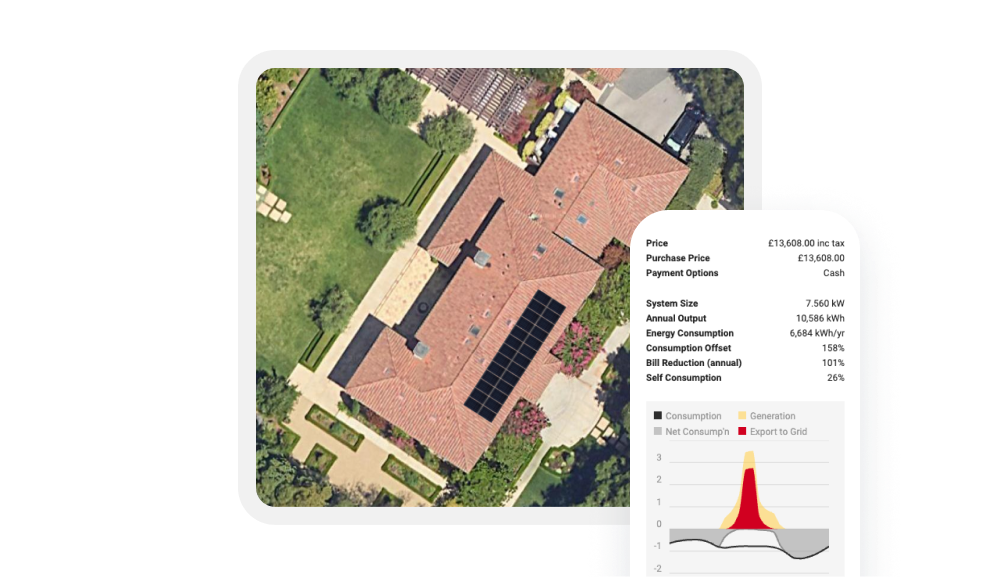
Auto BOM builds the project hardware list from the system you design in OpenSolar. Review the components, quantities and costs as the design develops, then make any changes the job needs before you order.
Ada helps calculate the BOM, including mounting and balance of system components, while you stay in control of the final hardware list.
Why Pros choose Auto BOM

Use your OpenSolar design as the starting point for the hardware list instead of rebuilding it after design.

Add mounting and supporting hardware alongside the major equipment to build a more complete project BOM.

Check quantities, costs and sources. Make the changes the job needs before you move into ordering.


What comes with Auto BOM?
-
Build the BOM from your design
Use the equipment and system setup in your OpenSolar design to build the project hardware list.
-
Calculate mounting hardware
Use Ada and supported mounting tools to calculate rails, anchors, clamps and other mounting components for the design.
-
Add supporting hardware
Include balance of system components alongside panels, inverters, batteries and mounting equipment for a more complete BOM.
-
Check the BOM as you design
Review component quantities, costs and sources while you work. The BOM updates as the design changes.
-
Adjust the BOM for the job
Change quantities and sources, add or remove items, and account for equipment you already have before you order.
How it works
Build the project in OpenSolar and choose the equipment, mounting and design settings for the job.
Check the hardware, quantities, costs and sources calculated from the design. Make any changes the project needs.
Confirm the hardware list for the job. When you’re ready to buy, move into Shop to check pricing and stock.
FAQs
Auto BOM can include panels, inverters, batteries, mounting hardware and balance of system components based on your OpenSolar design.
Ada helps calculate hardware from the project design. Auto Design can generate the BOM, while Mounting Designer can calculate compatible mounting components from project details.
Yes. In Design, the BOM updates as you add or remove components. Once you move into ordering, you can also make purchasing changes without changing the design or proposal.
Yes. Change quantities and sources, add or remove items, and account for equipment you already have before placing the order.
For supported mounting systems, yes. OpenSolar can calculate mounting components through Mounting Designer and integrated mounting providers.
Auto BOM builds and prepares the project hardware list. Shop lets you check supplier pricing and stock before you order.